Model-based design for embedded systems

Control models.
Running on the chip.

Modeloop is the IDE that carries your control algorithms all the way to the embedded target.

Try Modeloop Free

Open in your browser and start designing.

1.5x Faster to Production
60% Early stage bug detection
2 Codegen Targets — Python & C
2 Platforms - Web and Desktop

Workflow

From first block to final firmware.

Modeloop covers the whole journey: design algorithms visually, assemble them, test their behavior, and deploy to your hardware.

Engineer designing a component as a block diagram in Modeloop on a laptop

01 · Design

Design your components.

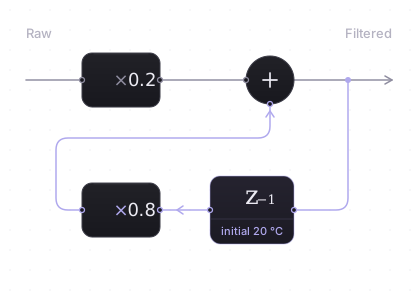
Bring your architecture to life on a modern visual canvas. Build every software component by wiring blocks, state machines and calibration parameters

Start designing free

02 · Write

Edit it as text.

Prefer typing? Every component can be edited two ways: as blocks on the canvas or as MDL text. Change one, and the other follows.

Read about MDL
Software components represented as photorealistic metal gears meshing together into one system

03 · Assemble

Assemble them into a system.

Wire your components together. Simulate the whole system and inspect every trace before touching the hardware.

Build your first system

04 · Test

Test before hardware.

Define model tests, run verification workflows and inspect results while the system is still easy to change.

Test your first model
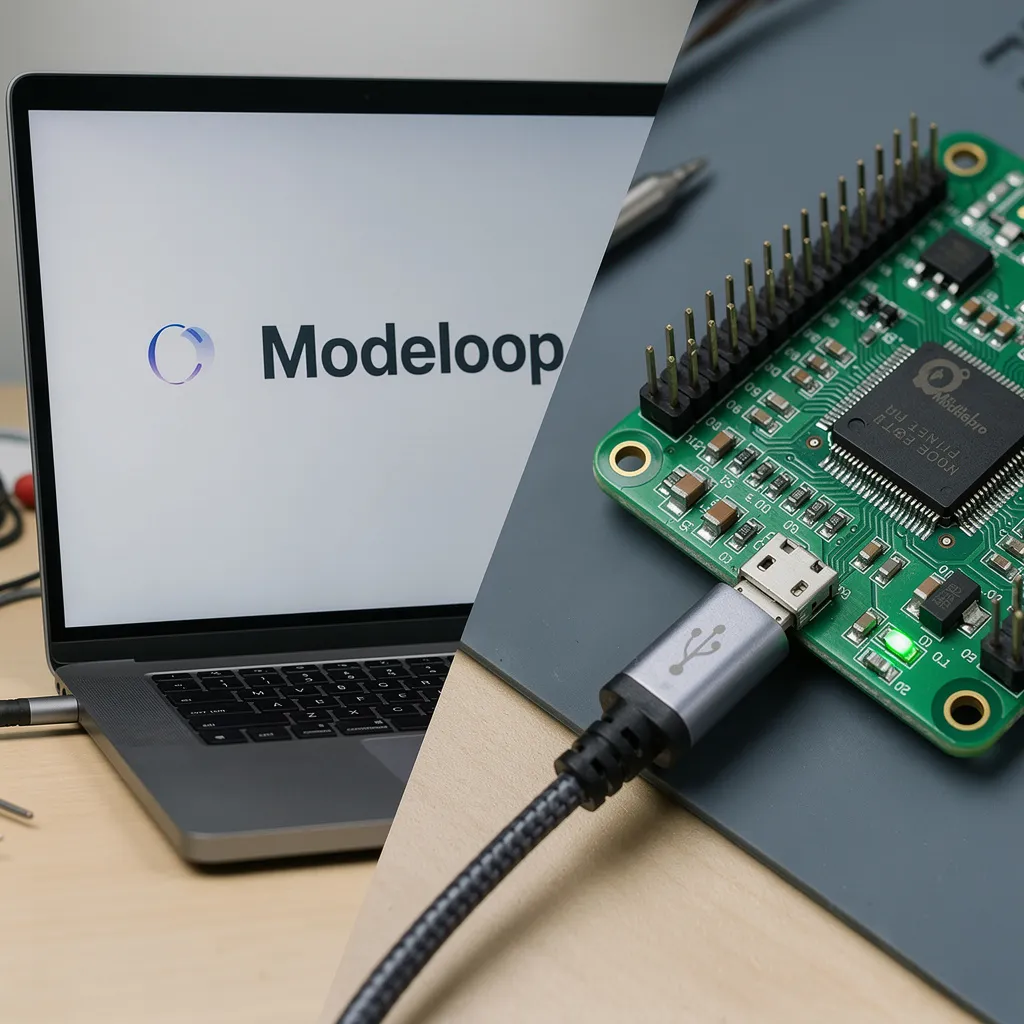
Modeloop firmware being flashed over USB from a laptop to a microcontroller board

05 · Deploy

Deploy to hardware.

Connect board resources and peripherals to your components. Your firmware is now ready to be deployed.

Deploy your first model

Modeloop capabilities

pid_controller.mdl
Modeloop block diagram editor
supervisor.sfc
Idle entry/ count=0 during/ tick++ Active entry/ run() exit/ stop() [start] reset
formal-mapping
Formal Semantics User Model Controller synthesizes Mathematical Model x'(t) = A·x(t) + B·u(t) y(t) = C·x(t) + D·u(t)
unit-testing
TEST CASES TC_01_Norm TC_02_Fail TC_03_Edge TC_01_Normal RUN STEP 1 (0.0s → 5.0s) INPUTS ref_speed 120.0 EXPECTED motor_out 120.0 STEP 2 (5.0s → 10.0s) INPUTS ref_speed 0.0 EXPECTED motor_out 0.0 SIMULATION PASSED
PlotLab — results
Signals ref F_out x_out err 12 signals t [s]

Compose hierarchical block diagrams. Wrap any subsystem into a single reusable block.

Embed hierarchical StateCharts directly in your signal flow — every transition visualized.

Every block diagram is strictly associated with a mathematical representation, guaranteeing correct C code generation by design.

Write unit tests and run simulations to validate the functional correctness of your model.

Run your model and inspect every signal trace in real time

Designed for
AutomotiveRoboticsIndustrial Automation

Start Designing Today

No install required. Open your browser and build your first system.

Want the native desktop app?

Join the waitlist for early desktop access